

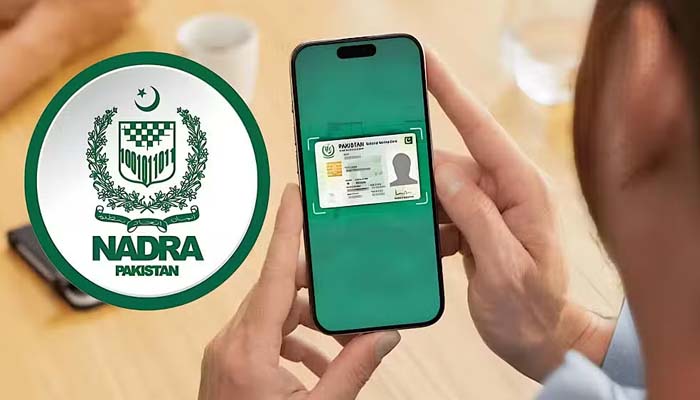
ISLAMABAD: The National Database and Registration Authority (NADRA) has introduced a streamlined online fee payment system to simplify the process of applying for identity documents.
The initiative enables Pakistanis living at home and abroad to pay fees through various digital platforms, eliminating the need to visit NADRA centers.
Accessible Through Pak ID Mobile App
Citizens can use the PakID mobile app to apply for and pay for documents including Smart National Identity Card (SNIC), Child Registration Certificate (CRC), and Family Registration Certificate (FRC). The app supports payments through debit/credit cards, Easypaisa, Jazz Cash, and e-Sahulat.
Steps for Payment
To pay with a Mastercard or Visa debit/credit card, applicants must:
- Log in to the Pak ID app
- Open the “Inbox” and locate the application with a tracking ID
- Click “Pay Now,” enter card details and verification code
- A confirmation message will appear once the transaction succeeds
For mobile wallet payments:
JazzCash
- Go to “Govt Payments” → “NADRA, NIS”
- Enter the tracking ID and confirm the payment using your MPIN
Easypaisa
- Select “NADRA Fee” in the app
- Enter tracking ID and verification details
- Choose “Pay in Full” to complete the process
e-Sahulat
- Visit a local e-Sahulat franchise
- Share your tracking ID with the operator and pay the required amount
Fee Structure for 2025
- Standard SNIC: Rs 750
- Urgent SNIC: Rs 1,500
- Executive SNIC: Rs 2,500


