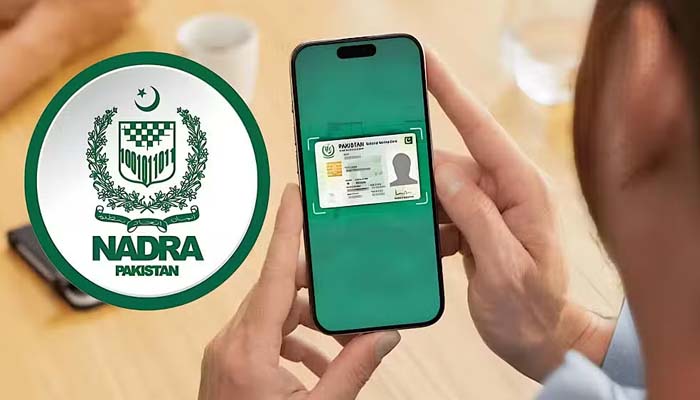
ISLAMABAD: The National Database Registration Authority (NADRA) has requested citizens to verify the biometric verification access in the PakID mobile app before going to any of the government departments, which is based on biometric authentication.
The government bodies have also advised everyone to check the biometric verification access in the mobile app before visiting banks, passport offices, SIM franchise centers, or any other institutions that are linked to the biometrics verification system.
Delay, trouble, and disturbance might occur if your biometrics verification access is not active, so check and verify it from your home and confirm.
How to Activate the Feature
To activate it, users must log into the Pak ID app, navigate to “Profile Settings,” and select “Block Biometric Data Access.” On some devices, activation may require fingerprint or facial verification.
Users can temporarily disable the feature when biometric verification is needed and reactivate it afterward, maintaining data security.